Animatron
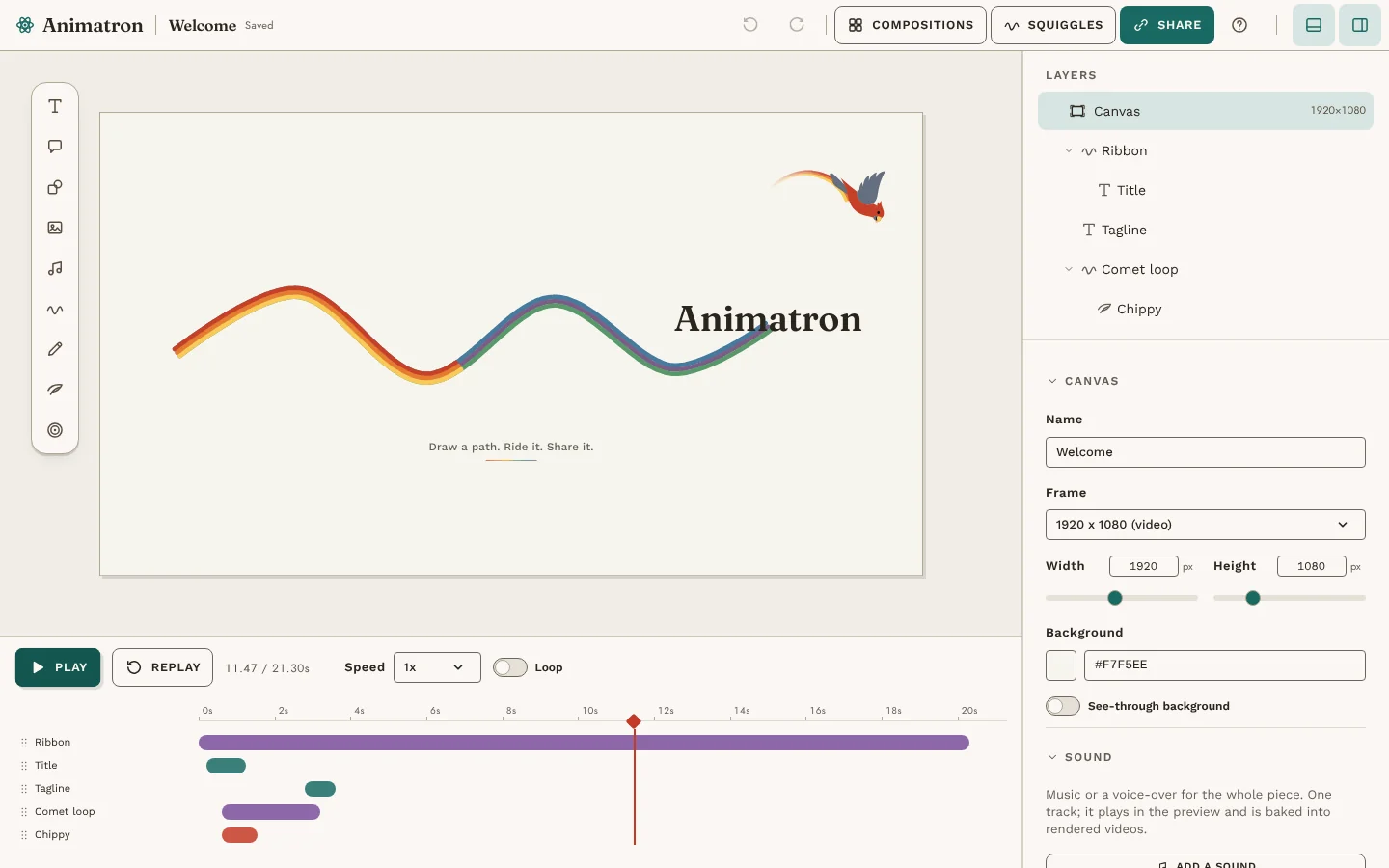
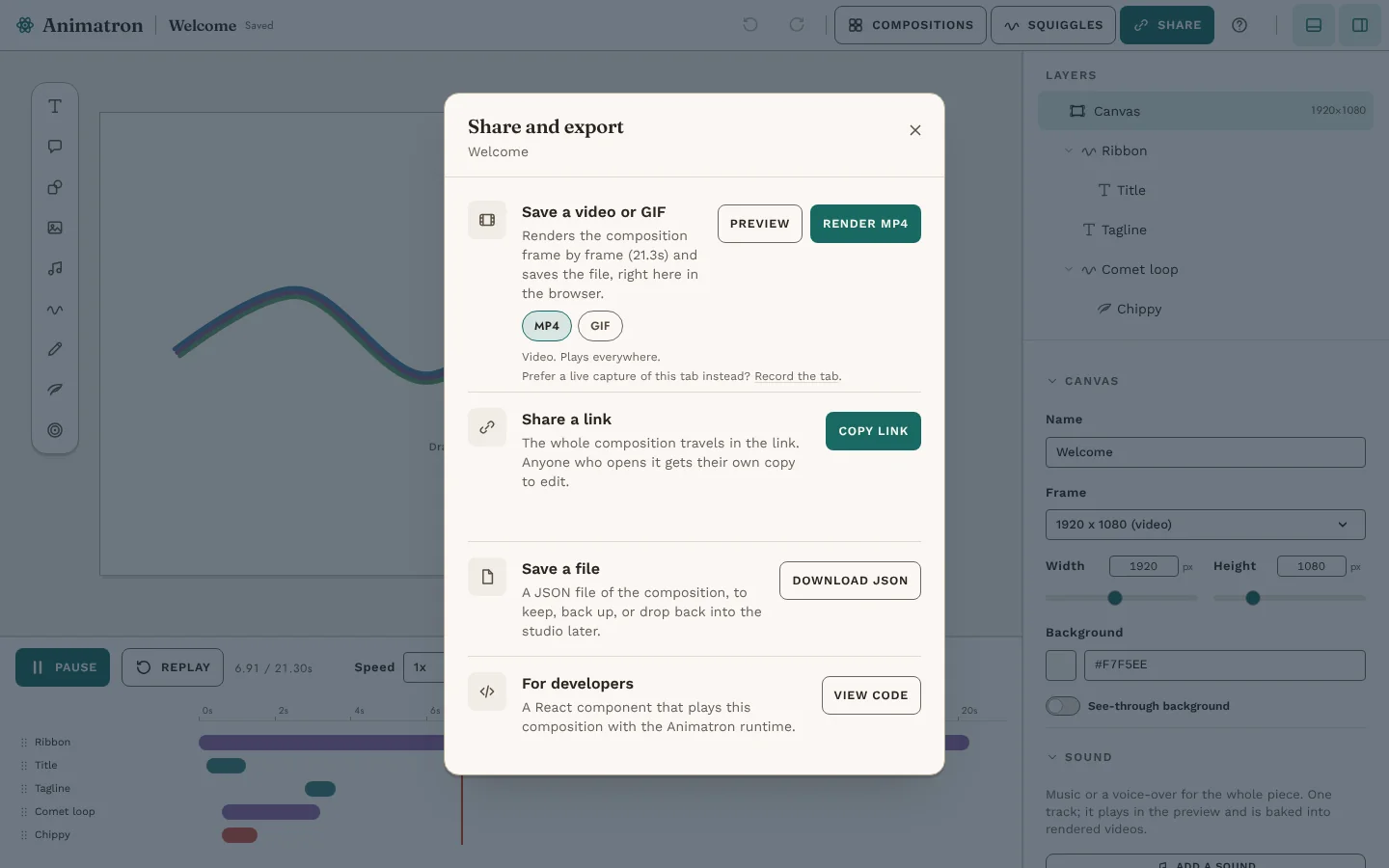
v2.0A free motion design studio that runs entirely in the browser, for intros, loaders, social clips and site heroes. Start from a template or a blank canvas, drag things into place and fly them along hand-drawn paths, then share a link, render an MP4, GIF or see-through WebM, or take it away as JSON or React code. No account and no server: everything stays on your device.
- Works on
- Desktop-first
- Mobile friendly
- Status
- Live
- Who can open it
- Open to anyone
- My role
- Product, design and code
- Built with
- Next.js · React · Motion · Lottie · WebCodecs · IndexedDB · GitHub Pages
Why I built it
The A Team needed a short animation: Chippy flying in for the thank-you end cap. I started the way everyone does now, describing the motion to an LLM and asking it to nudge the timing. Again. And again.
Every round cost tokens and still missed, because motion is something you feel, not something you specify in a sentence. So I stopped asking and built the tool I actually needed: a timeline with keyframes I can drag, easing I can see, and an export that drops straight into the product.
That studio started inside The A Team. Animatron is the same studio on its own, for anyone.
Version 2 is the redesign that makes “anyone” true. The first release was a tool for me; this one starts from a template, explains itself in plain words, and never does anything you can’t undo.
It already works on a phone, but the studio was made for a mouse and room to spread out. A better phone experience is what I’m working on next.
The screens.
The good parts.
Redesigned for everyone
Version 2 works the way Keynote and Canva do: undo anything, drag on the canvas, snap to guides, nudge with the arrow keys, and plain-language panels.
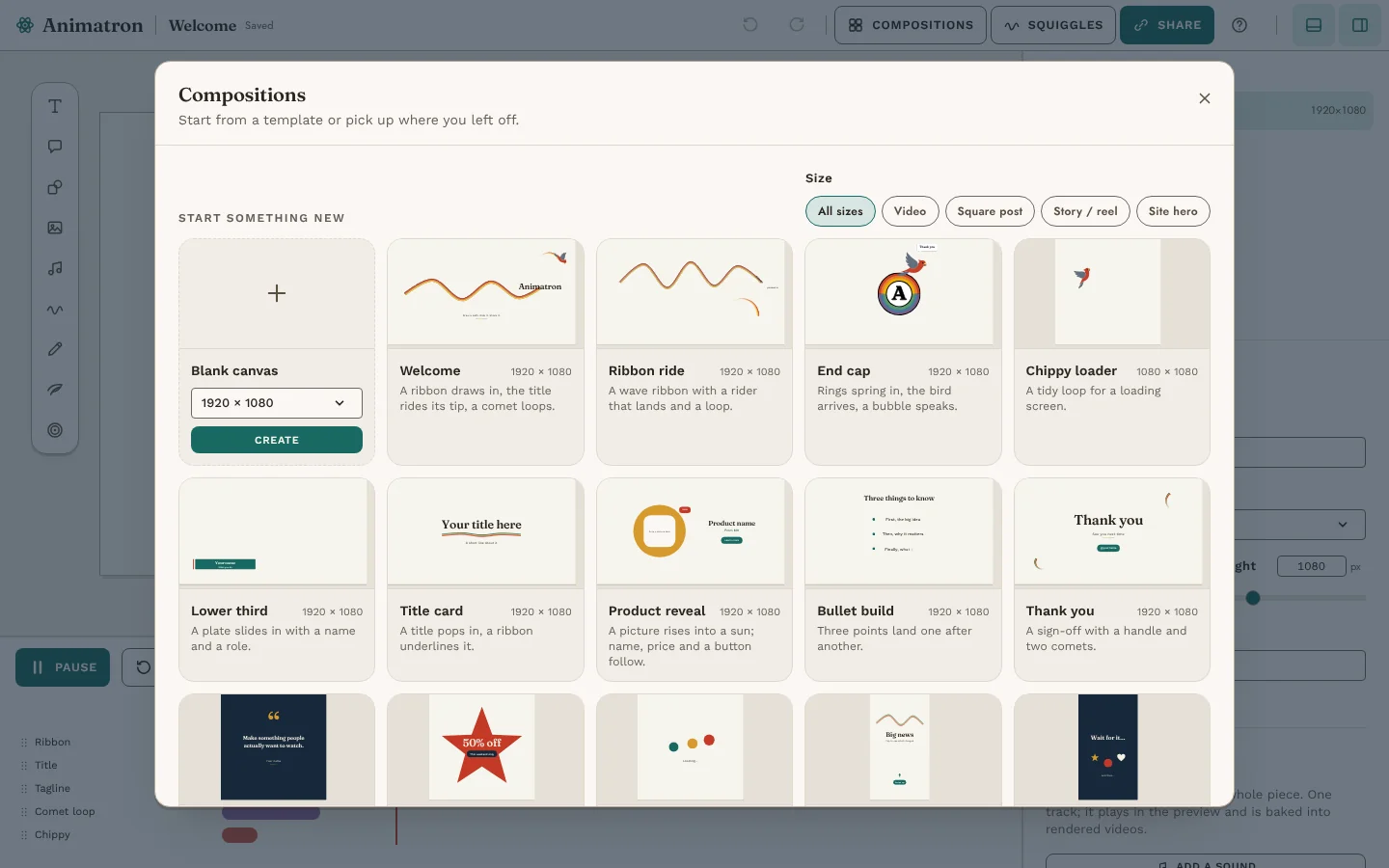
Fifteen starter templates
Lower thirds, title cards, quote cards, reel hooks, loaders and more, filtered by frame size.
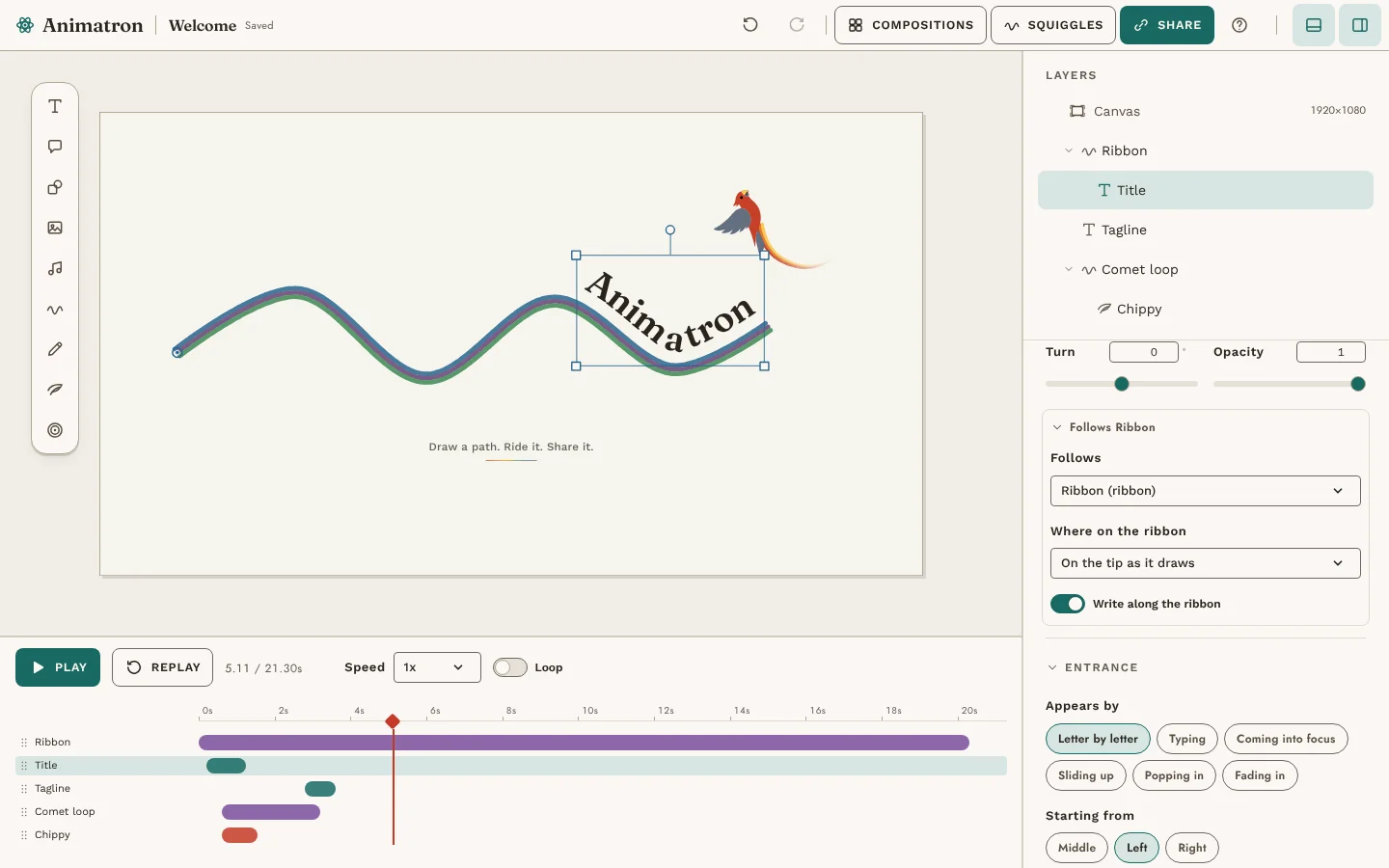
Text that makes an entrance
Typing, coming into focus, sliding up, or letters written along a ribbon as it draws.
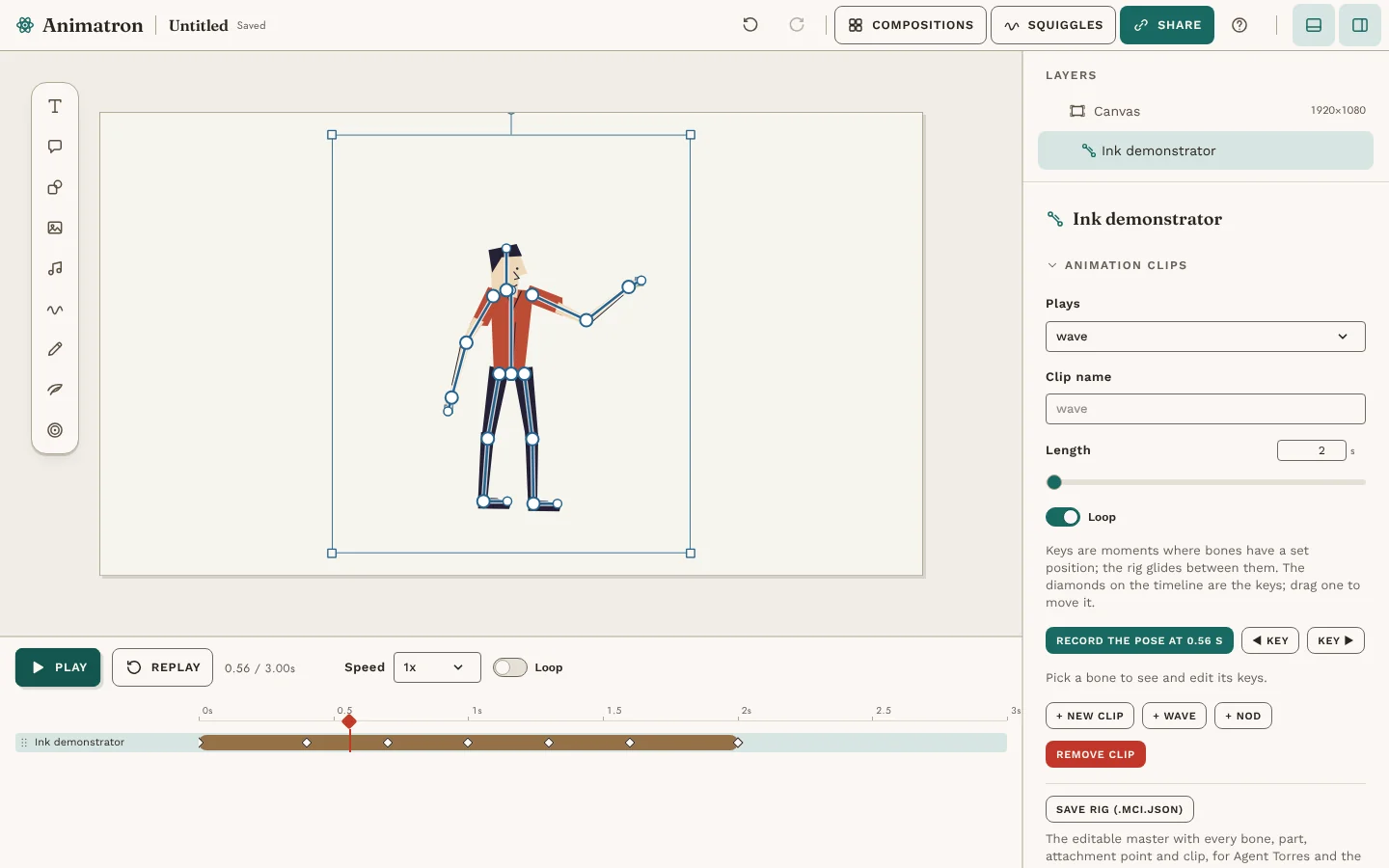
Rigged characters
Import a Mid-century Ink rig, bend its bones, record poses as keys, and save the rig back out intact.
Video and sound
Video layers and a sound track, rendered frame by frame into MP4, GIF or see-through WebM, right in the browser.
Nothing to sign up for
Compositions autosave to the browser and travel as a share link or a JSON file.
Under the hood.
One shared clock drives every layer, so the editor, the thumbnails, the renders and the exported React component all play the same engine. Videos render frame by frame with WebCodecs rather than screen capture, so they keep going in a background tab. Self-hosted fonts and a static export keep the whole studio on a single Pages URL.